Operations
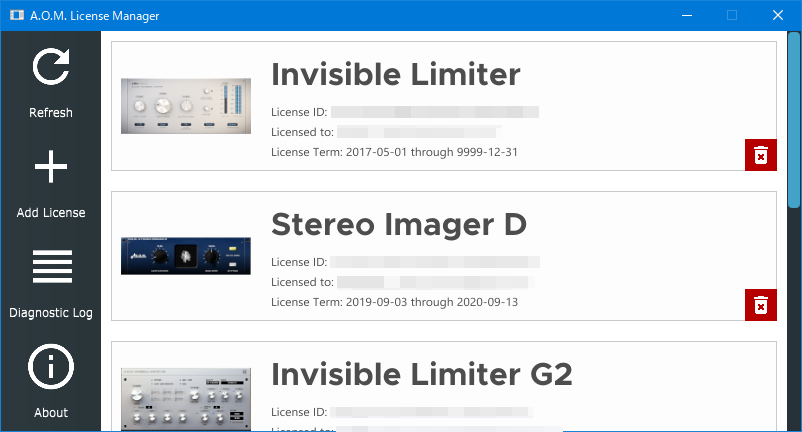
Refresh display
Press
Refreshbutton.
Install License
Press
Add Licensebutton. File-choosing dialog opens.Select A.O.M. license file (*.aomlicese).
The license file gets installed to computer.
Remove license from computer
Press
Removebutton on table row.The license is removed from computer.
Obtain System Information
Press
Save System Information to Filebutton. Save dialog opens.Choose folder and enter filename.
System information and diagnostic log is saved to the selected location.